
Start from a still you trust
The opening frame fixes your subject, light and geometry. Upload your own image or use one of six original stills made for this studio.
Run the 11-point frame check →AI video generator · image to video · no sign-up
Pavo Studio turns a still and a short shot prompt into a downloadable video. Choose a camera move, pick an aspect ratio, and export a real WebM file in seconds — no account, no credits, no upload queue.
The studio · works right here
Everything below is live. Upload a still or choose a sample, describe one movement, then render and download the result. Your image stays on your device.
01 · Source still
Sample still · Product
02 · Shot prompt
03 · Render settings
Everything above runs on your device. Your image and prompt are never uploaded, and no account or credits are involved. How rendering works →
How it works
A short brief and a defined camera path beat a paragraph of adjectives. Each control owns one decision.
The opening frame fixes your subject, light and geometry. Upload your own image or use one of six original stills made for this studio.
Run the 11-point frame check →Push in, pull out, pan, drift or lock off. Your prompt suggests the path; the renderer keeps every frame consistent and ends on a still you can cut on.
Write a six-line brief →Download WebM at 30 fps in 16:9, 9:16 or 1:1. Add titles in your editor, not inside the generated frame — each preset includes an editing handoff.
Read the export handoff →Sample stills
Original artwork generated for Pavo Studio. They are ready to load in the creator above, and free to use in your renders — including commercial work.
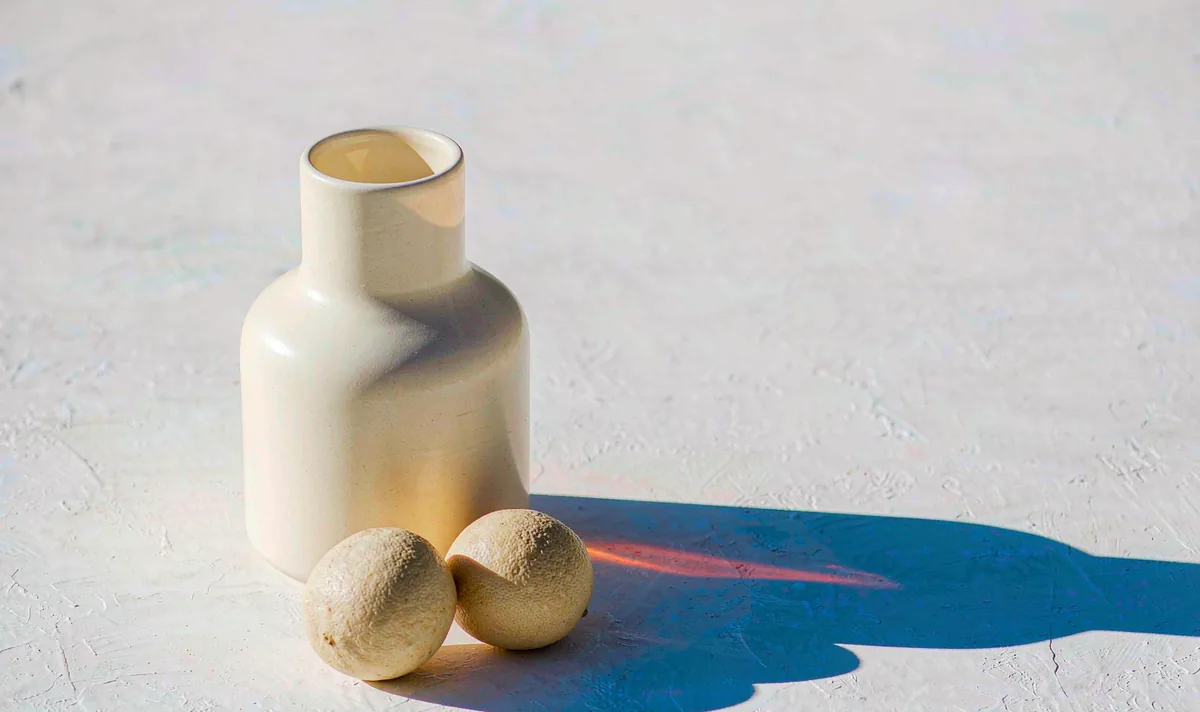
Geometry and reflections that must not wobble while something moves.
Load in the studio →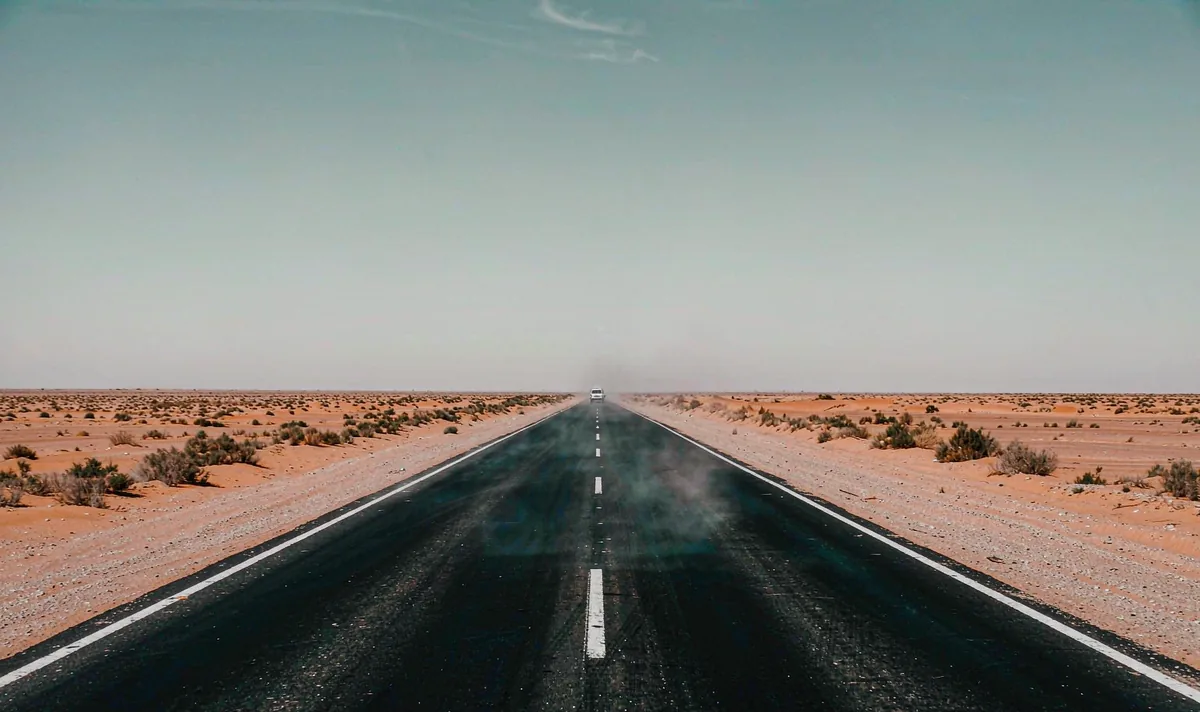
Large spaces where the horizon, depth and air matter more than the subject.
Load in the studio →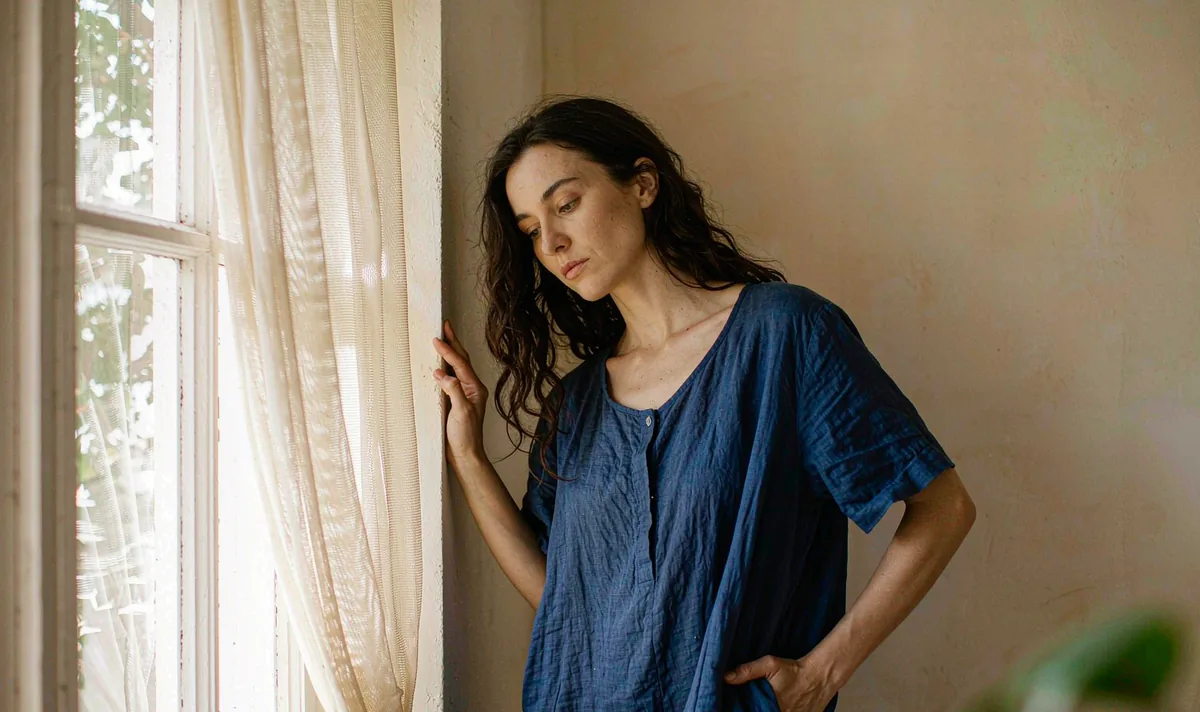
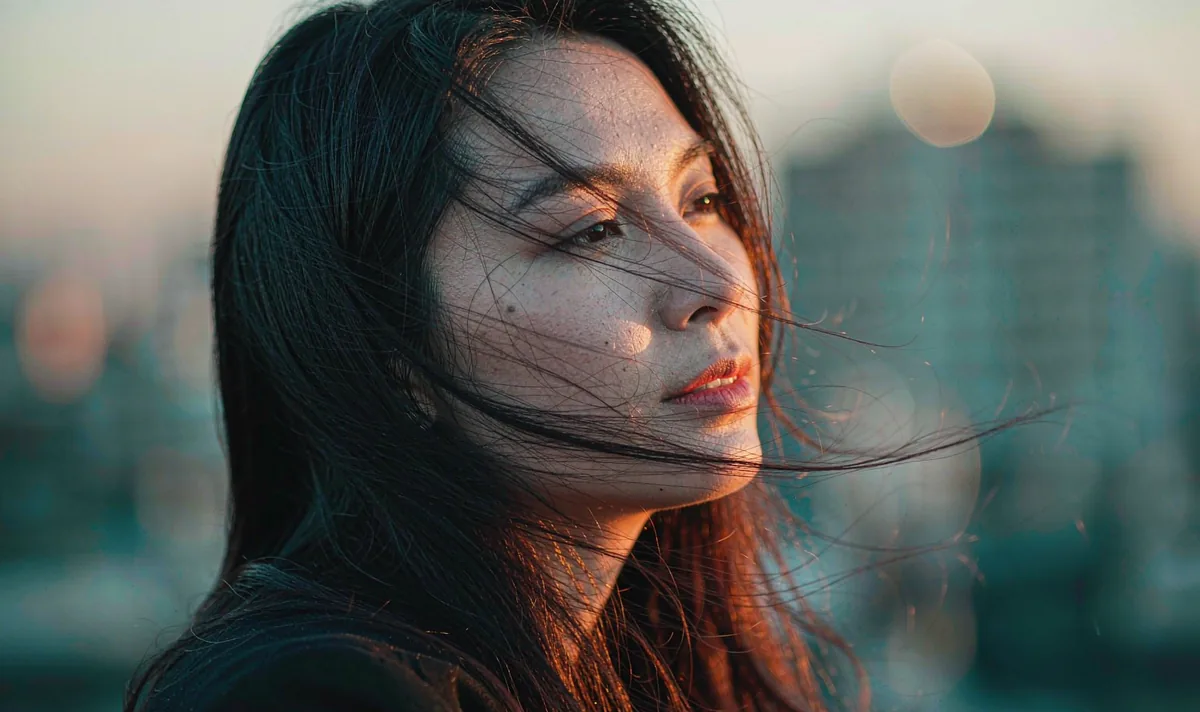
Faces, hands and eyelines that have to stay the same person across the clip.
Load in the studio →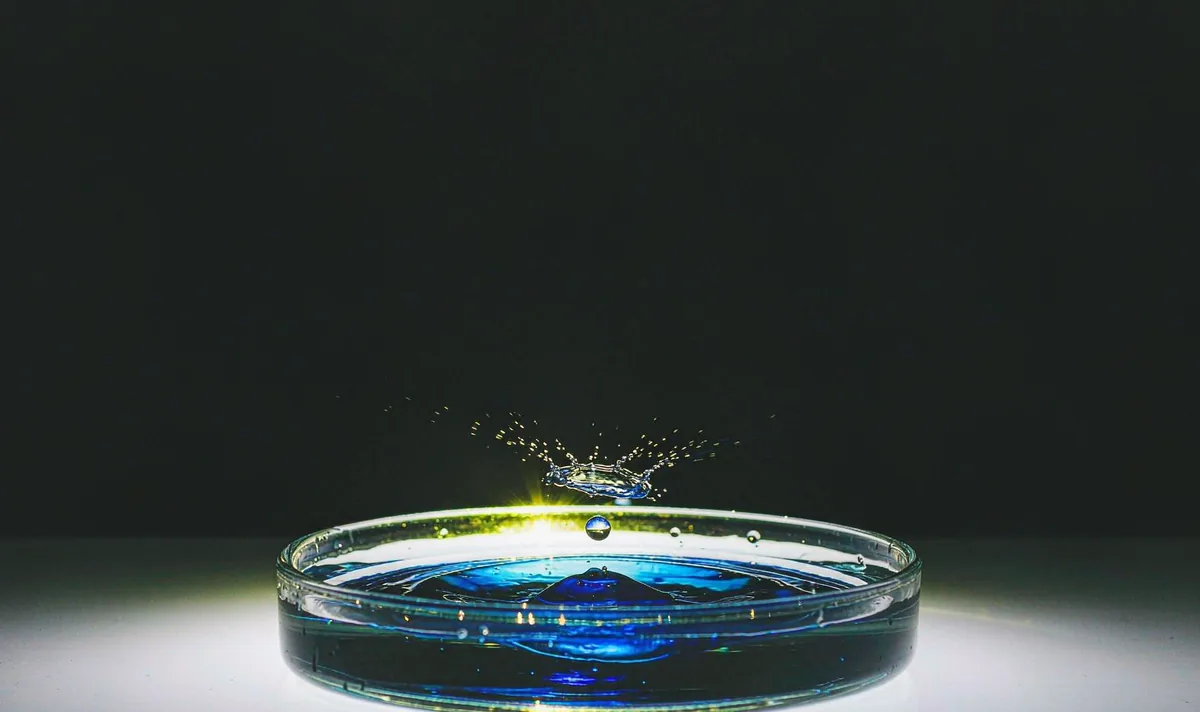
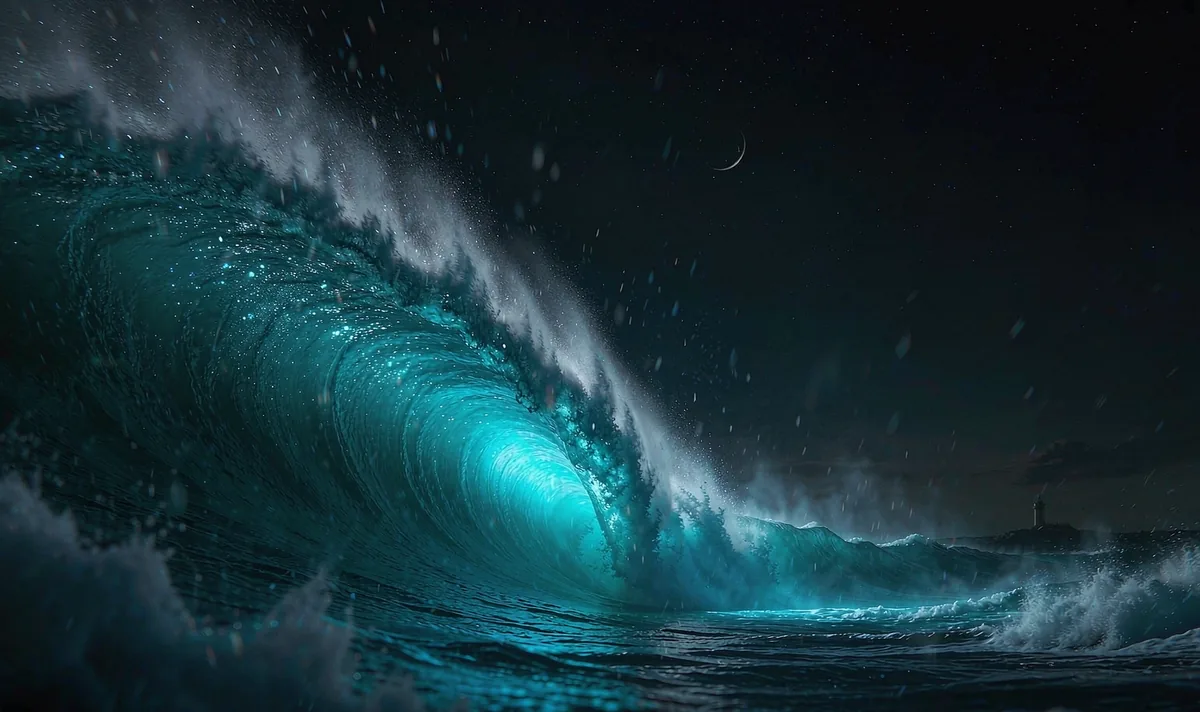
Water, glass, skin and small objects where one wrong edge ruins the shot.
Load in the studio →
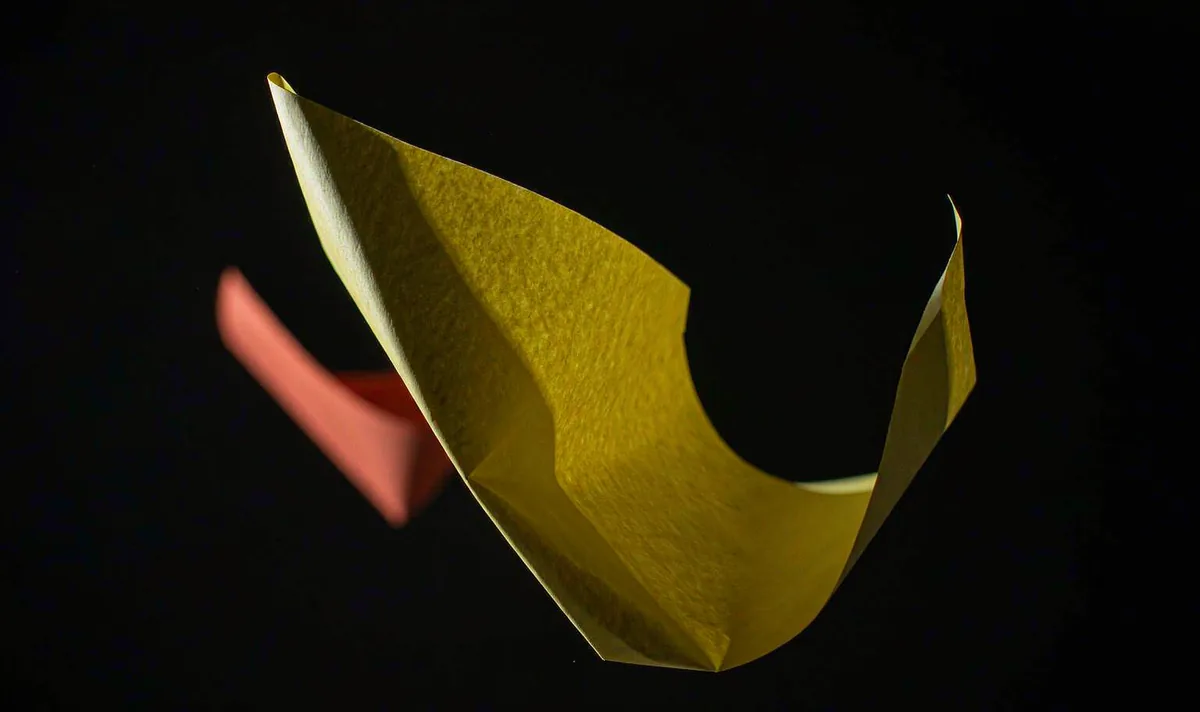
High-contrast graphic motion built for 9:16 delivery and captions.
Load in the studio →Why this studio
No queue, no credit balance, no surprise watermark, and no server that needs to see your source image.
Rendering starts the moment you press Generate. A five-second clip takes five seconds.
Canvas 2D and MediaRecorder run in the tab. Nothing is uploaded, stored or profiled.
Faces and hands never morph, because the renderer moves the pixels you supplied.
A held ending, a clean plate and a separate caption bar make the clip easy to cut.
No registration, no trial, no credits and no payment form. Open the page and render.
12 shot presets, six render fixes and five help guides — all readable without an account.
Shot presets
Each preset ships a first-frame checklist, three action beats, identity anchors, a copy-paste brief, two fixes and an editing handoff. Here are three of the twelve.
Product & tabletop
Move the shadow, not the product. Geometry stays honest.
Open recipe →Product & tabletop
A half orbit reads as a full turn without ever showing the model a back it cannot invent.
Open recipe →Wide & exterior
A horizon is the cheapest continuity test in any generated clip.
Open recipe →Quick answers
Pavo Studio is a free AI video generator on pavoai.work. You start from one image (your own upload or one of our sample stills), describe the shot in a short prompt, choose a camera move and export a video clip. Rendering runs inside your browser, so there is no queue and no generation credit to spend.
Yes, it is free and there is no account. There is no registration, no trial, no credit system, no payment form and no watermark added to your export. Open the Create page, pick a still and render.
No. Your image, prompt and finished clip stay on your device. The studio draws frames with the browser Canvas API and records them with MediaRecorder. Nothing is sent to pavoai.work or to any third-party AI service. The web server only sees a normal page request.